Design system · Design ops · WCAG compliance
Streamlining Design
Design System that achieved a 5x improvement in efficiency between design and engineering teams.
Executive Summary
I led the design system from concept to implementation
Duration
2 years
Team
Core design team
Domain
Design system
Also on the team
- Senior Product Designer
- Senior Manager Product Design
- Tech Lead
Outcomes
designer and engineer velocity
NPS score
app store rating
The Problem
A disjointed legacy experience
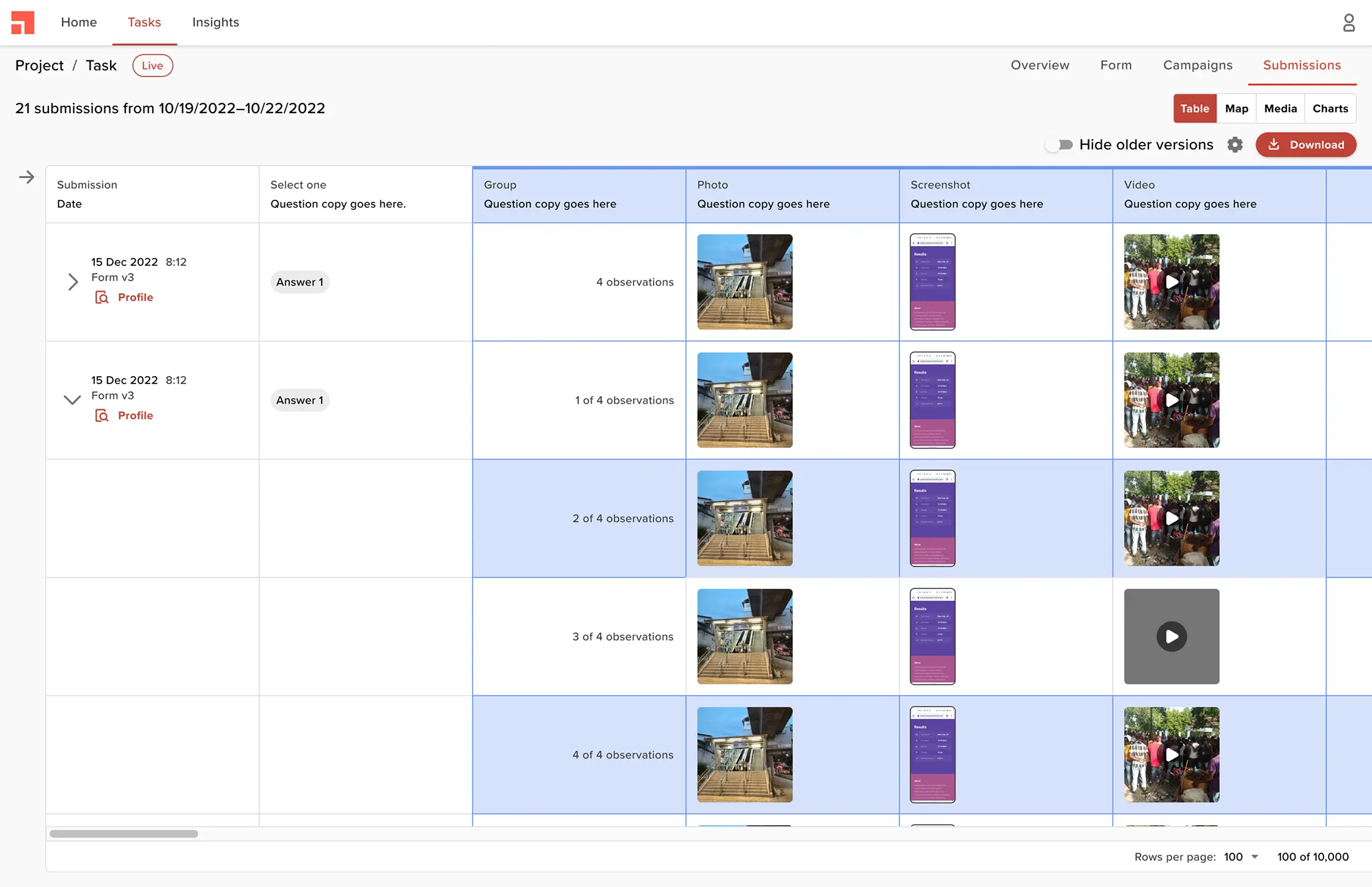
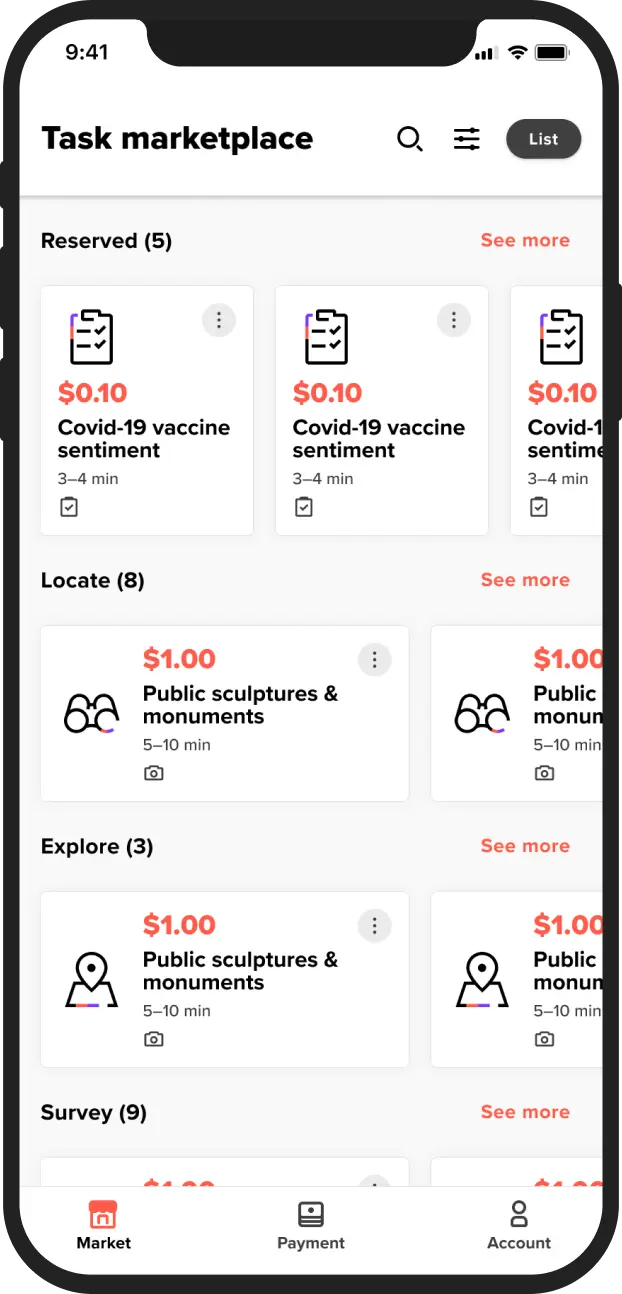
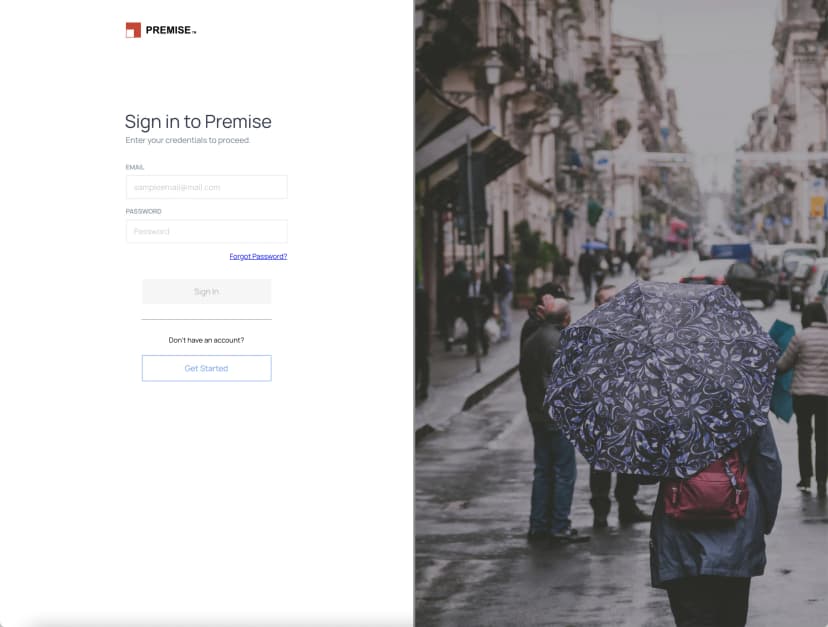
In 2021, following a company rebrand, the mobile and web products looked outdated and lacked credibility. Colors, typography, and components were inconsistent across platforms.
More examples of inconsistencies across the platform
Web Product
Mobile App
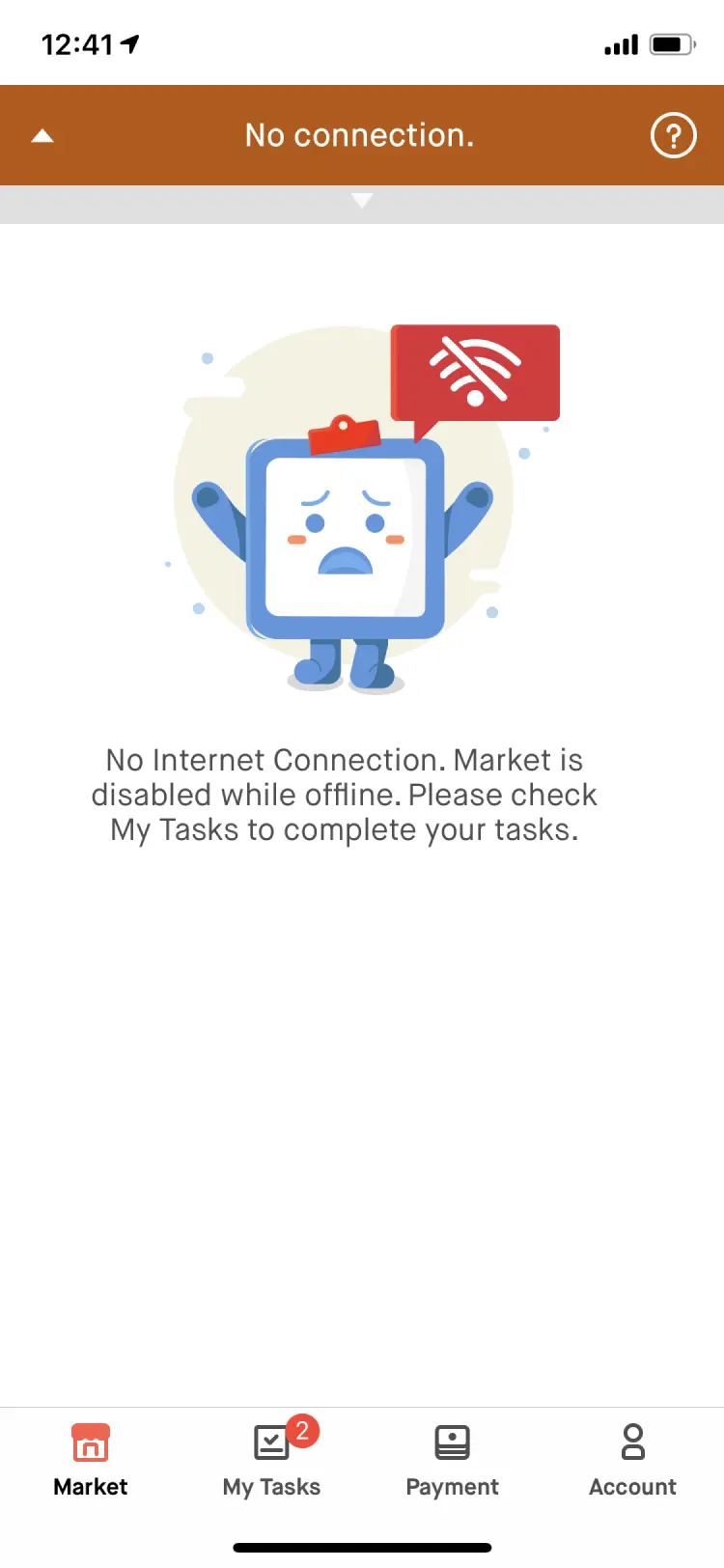
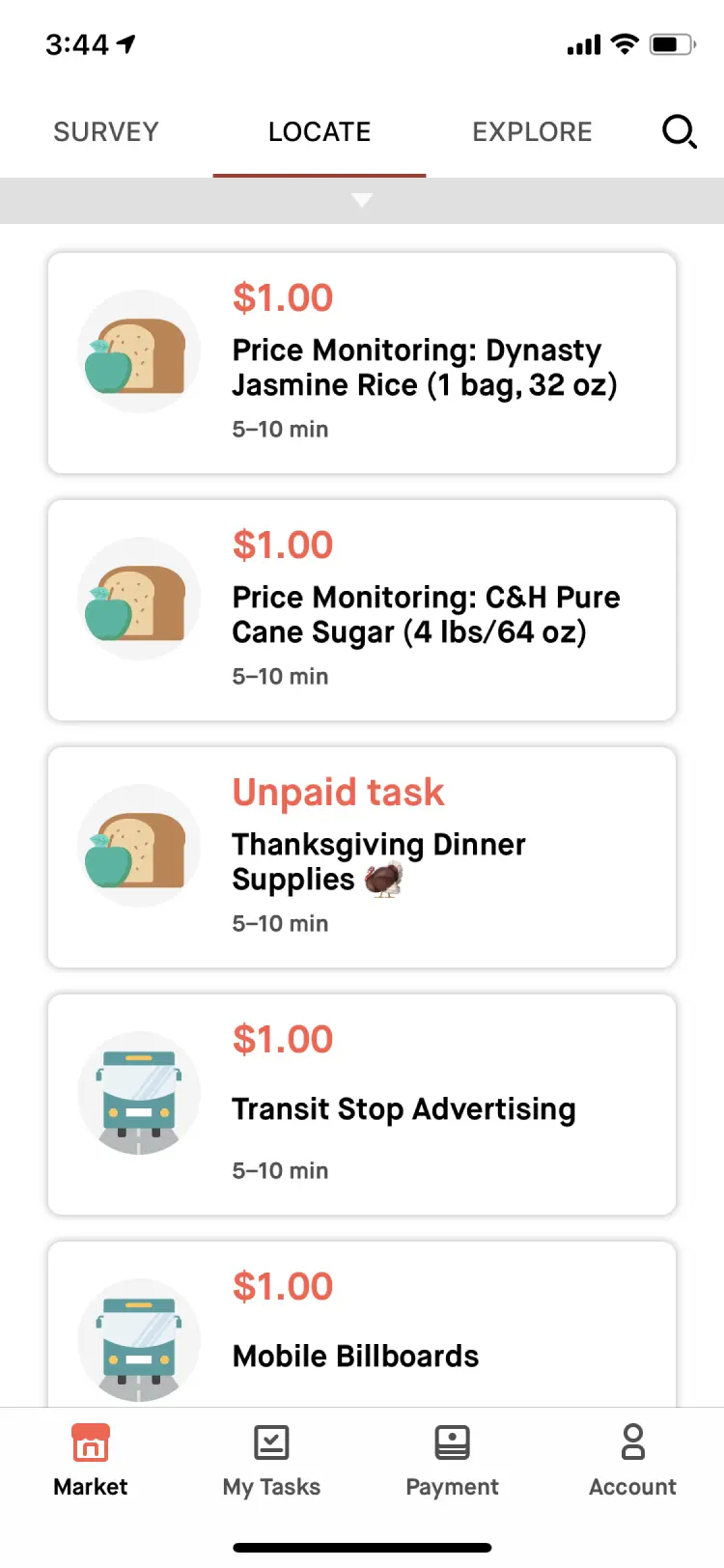
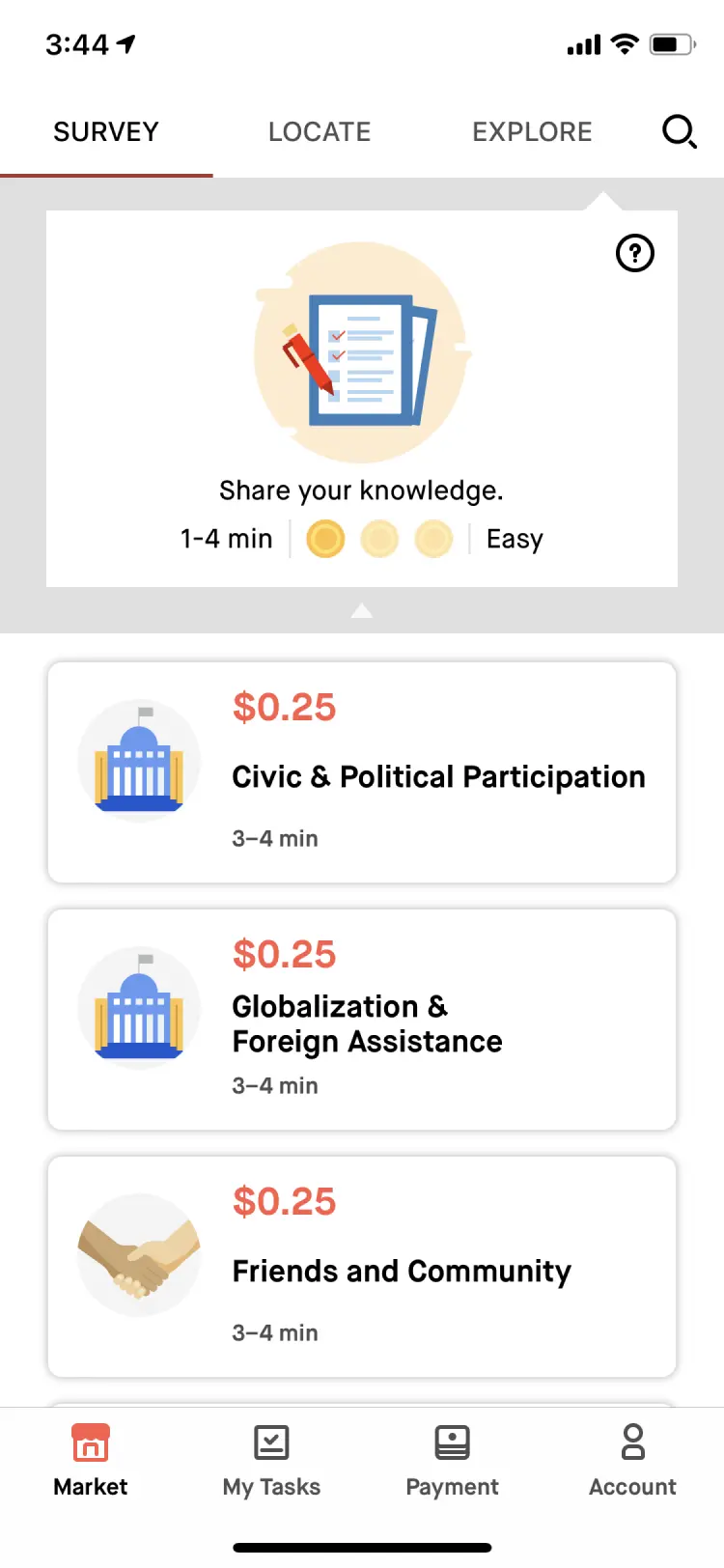
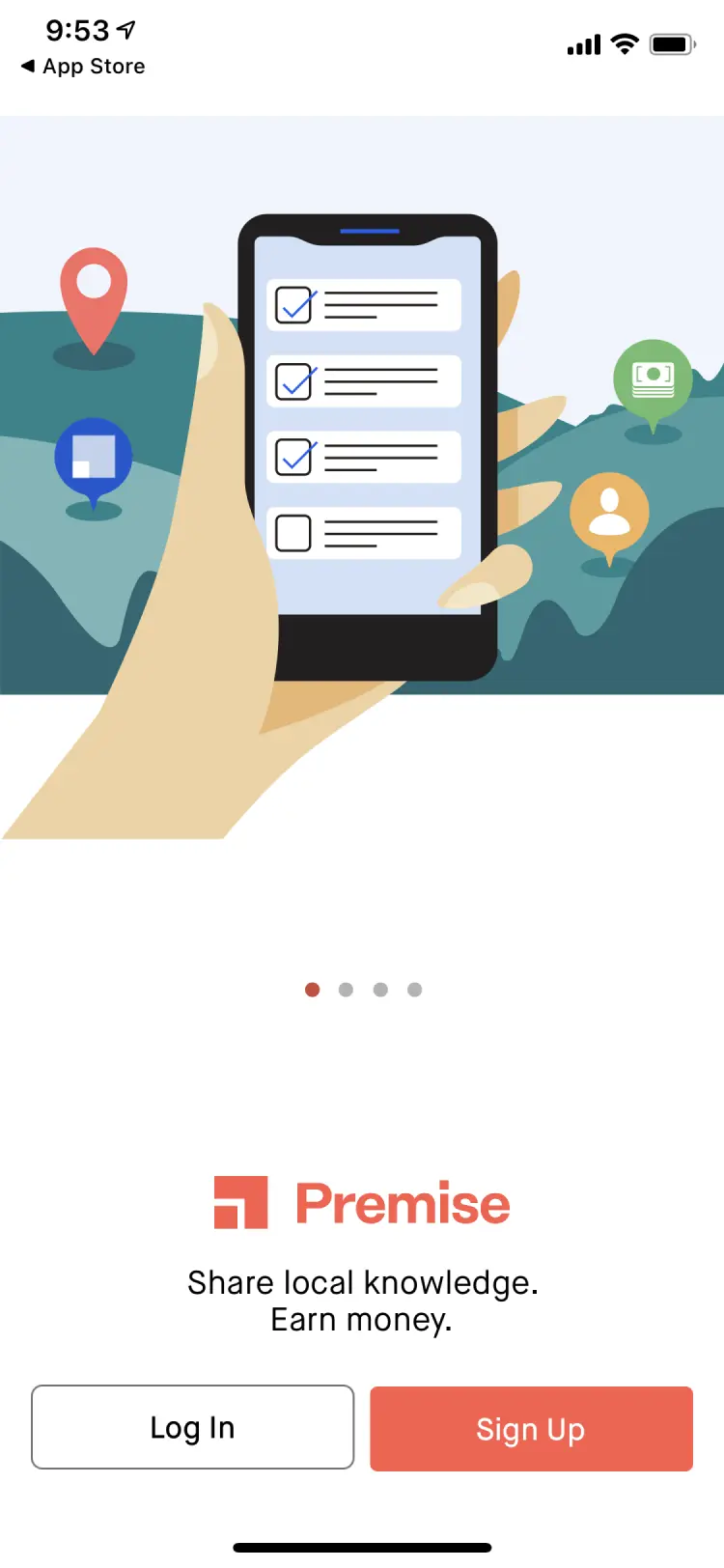
How might we increase velocity while creating a better user experience?
The System
Introducing the Design System
Built for the end user
I also improved accessibility and added dark mode.
Accessibility built in
We met WCAG AA contrast standards and aimed for AAA where possible.
We built on Material UI (MUI) components for their built-in interaction accessibility.
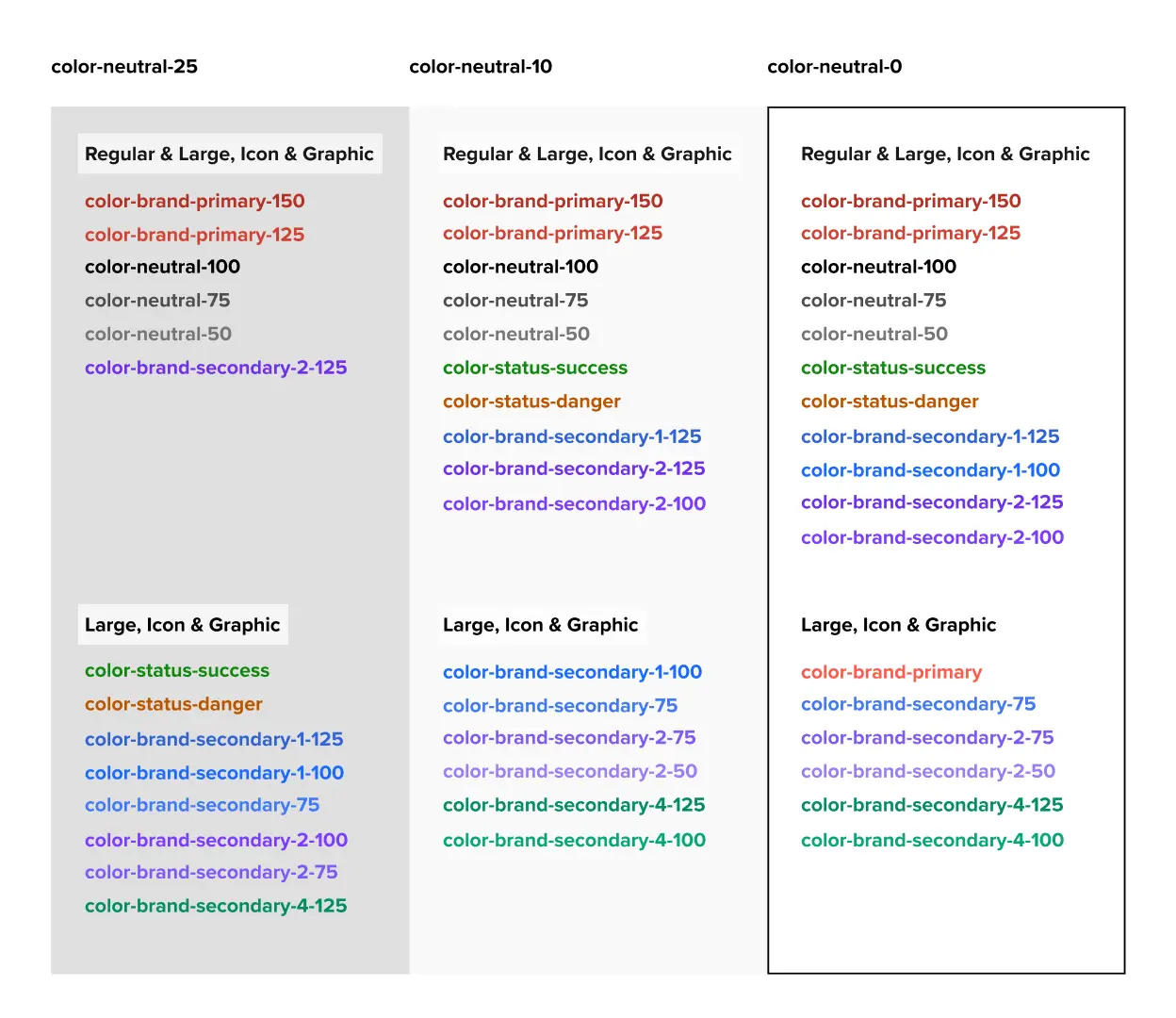
Dark mode
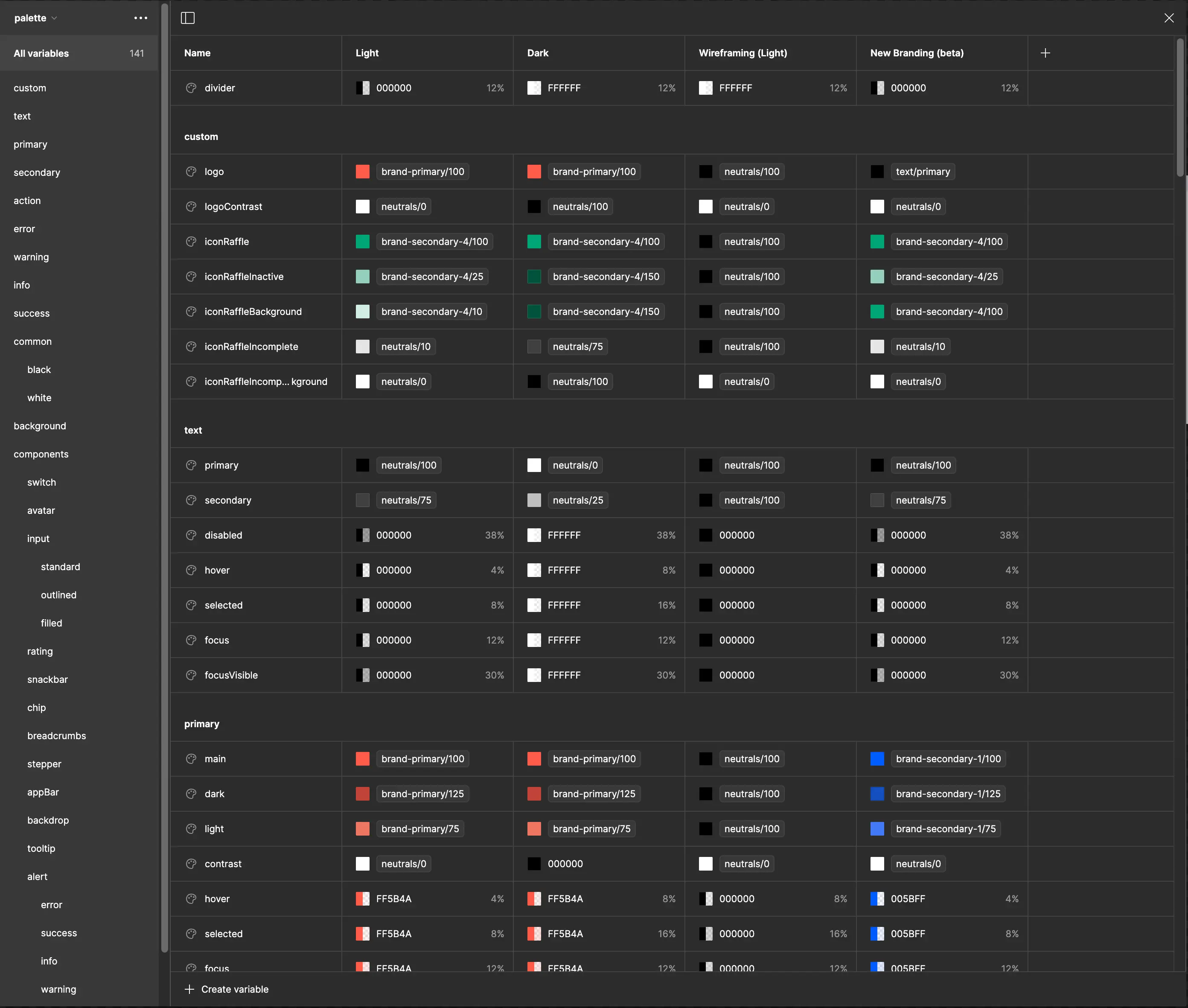
Using Figma Variables, we built dark mode into our tokens and adopted elevations from Material UI.
Design Tokens
Design tokens gave us cross-platform consistency without manual effort.
We exported tokens to a GitHub repo via a Figma plugin. Figma Variables also covered border radius and animations.
Mapping brand primitives to semantic tokens gave designers clear guidance on when to use each value.
Built for designers by designers
Ease of use and creativity had to come first, or the system wouldn't get adopted.
Jumpstarted with best practices
Publishing a design system file doesn't make it useful. Designers need structure and templates to adopt it.
We started with the MUI for Figma UI kit and configured it to our needs, skipping most of the setup work.
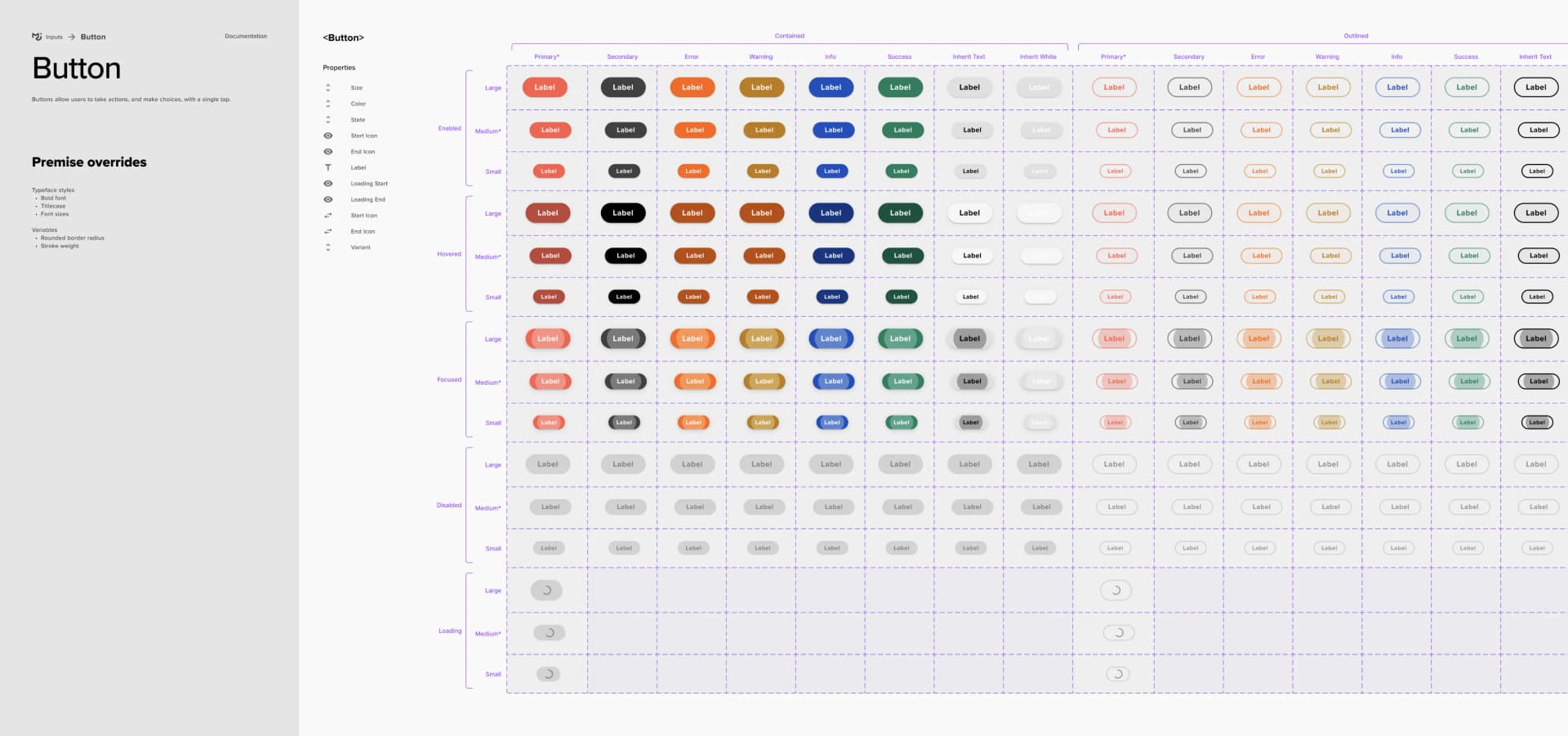
Using themes for wireframing
We also used Variable Modes (themes) for wireframing and testing new branding before committing.
Templates jumpstart creativity
We built platform-specific design systems with navigation, headers, and page templates.
Enabling Adoption
Chris drove adoption across engineering. We built the design system in parallel with product work, never blocking a sprint.
Maintaining velocity while building the system
Without a dedicated team, mapping to React components let us build the system without blocking feature work.
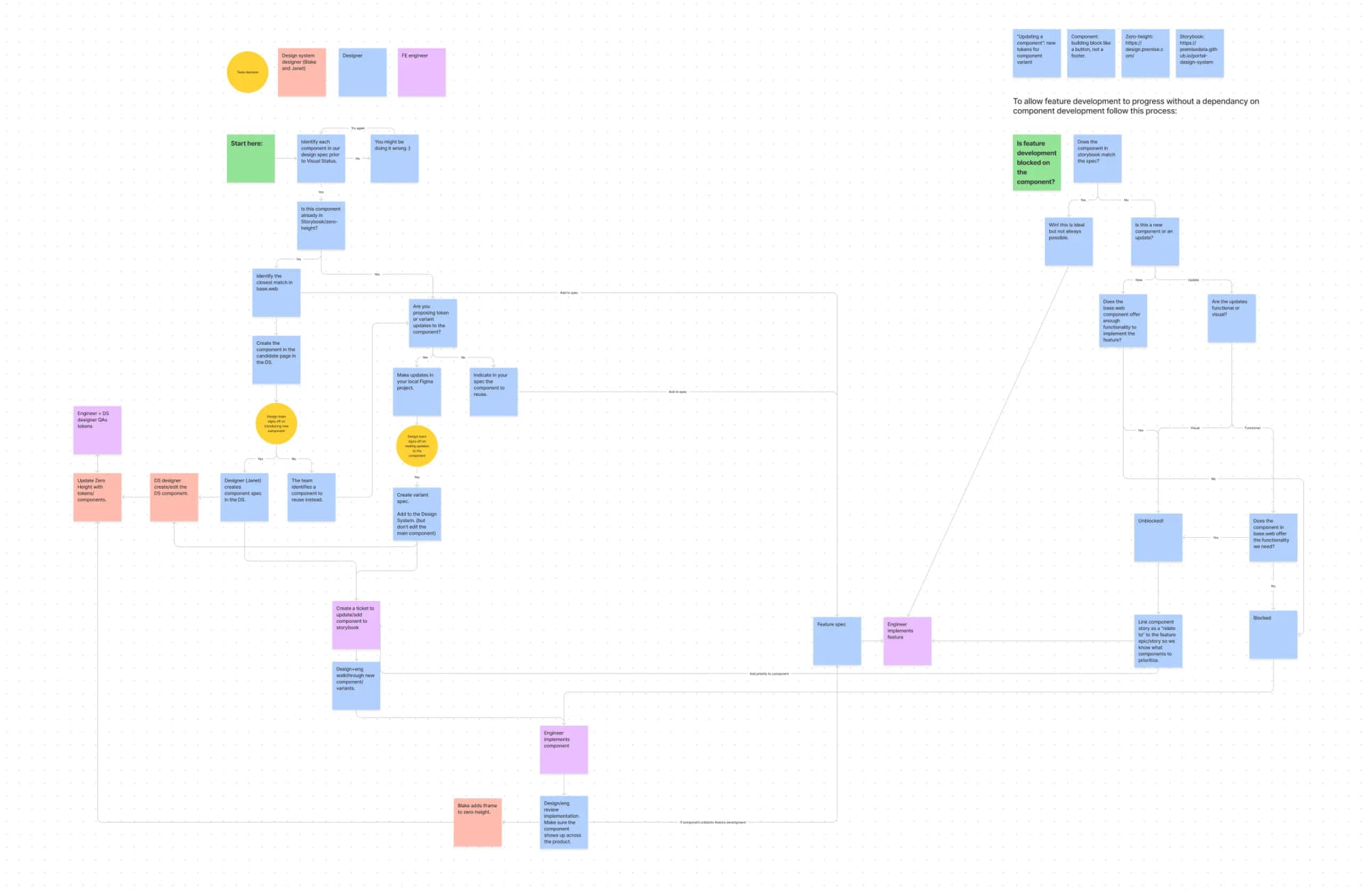
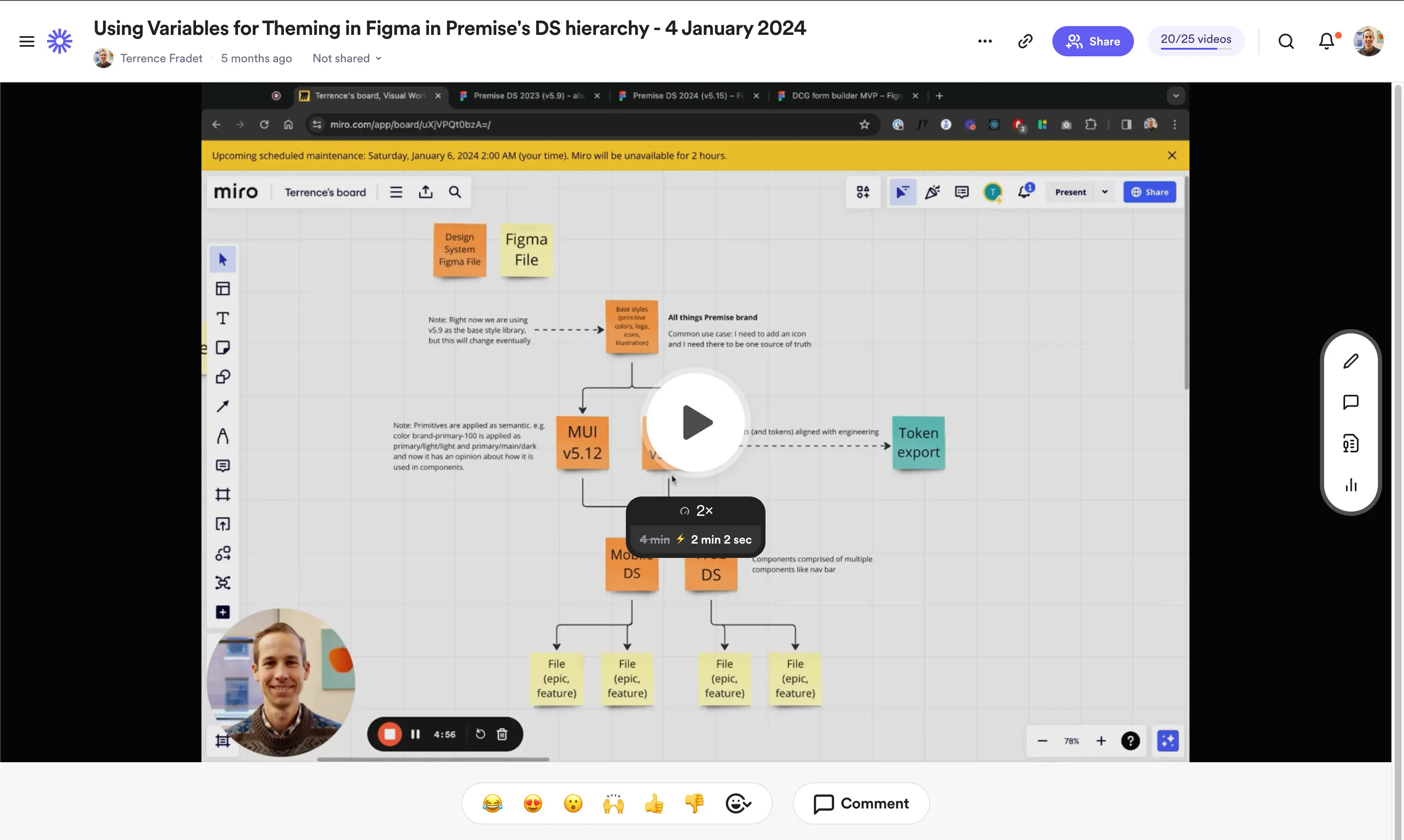
I used Loom videos to document changes and share them with the team.
The Impact
increase in designer and engineer velocity
The design system transformed how the team collaborated. App store ratings and NPS both rose, though isolating the system's role is tricky. Faster iteration let the team ship more, more often.
App store rating
Customer NPS
less time on visual implementation reviews
Want to see more?
Get in touch with me to see my in-depth case studies.